Microsoft PowerPoint: From Beginner to Professional
Learn PowerPoint from scratch in 10 hands-on live sessions and walk away able to design, animate, and deliver professional presentations with confidence.

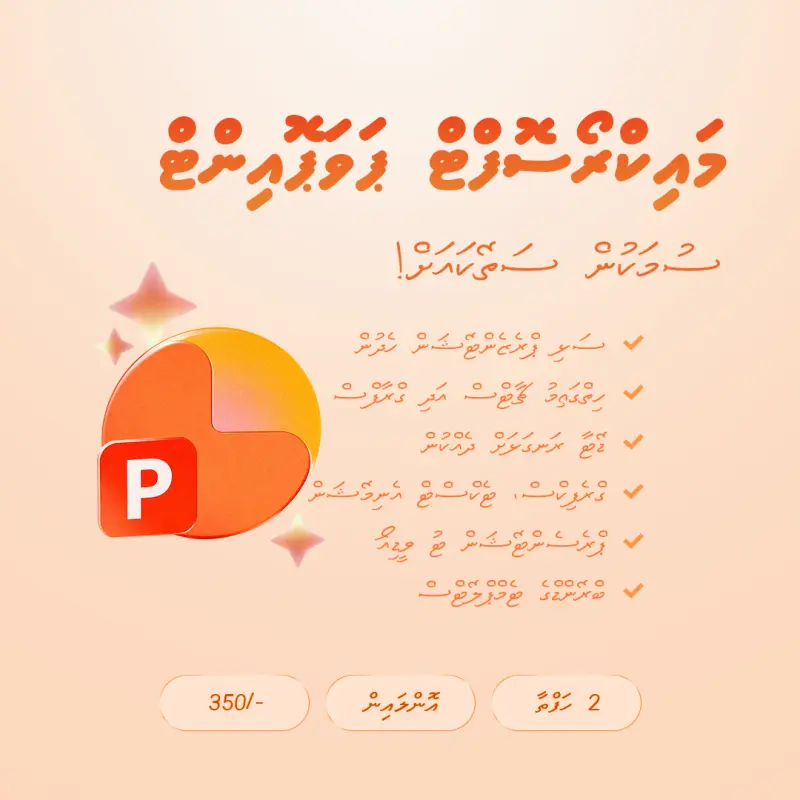
What You'll Learn
-
Design clean, professional slides from scratch
-
Work with text, layouts, images, and shapes
-
Build charts and tables to present data clearly
-
Add transitions and animations to bring slides to life
-
Embed audio and video into your presentations
-
Create a branded template using Slide Master
-
Deliver presentations using Presenter View
-
Export your finished presentation as an MP4 video
About This Course
Most people learn PowerPoint by accident — clicking around, copying someone else's slides, hoping for the best. This course is different.
Over 10 live sessions, you will build your PowerPoint skills from the ground up — starting with the very basics and finishing with a fully designed, animated, and branded presentation you made yourself. Every session includes a hands-on worksheet so you practice what you learn on the same day, not weeks later.
The course covers everything that matters: slide design, text formatting, working with images and shapes, building charts and tables, adding transitions and animations, embedding video, and using Slide Master to keep your entire presentation consistent. You will also learn how to deliver a presentation professionally using Presenter View, and how to export your work as a video to share anywhere.
No prior experience is needed. If you can open a computer, you can take this course.
By the end, you will not just know how to use PowerPoint — you will actually enjoy using it.
Frequently Asked Questions
Registration
Enter Your Phone Number
Registration Successful!
You have been successfully registered for this course.